Ask from anywhere. Ellie checks at home.
The patient portal is signed in on your computer. You’re not. Ask Ellie from your phone, say yes, and she reads it in your own Chrome and brings the answer back to the chat.
Comes with Eleplan Pro. Free to install.

You ask. You say yes. Ellie finds it.
- 01
Ask from anywhere
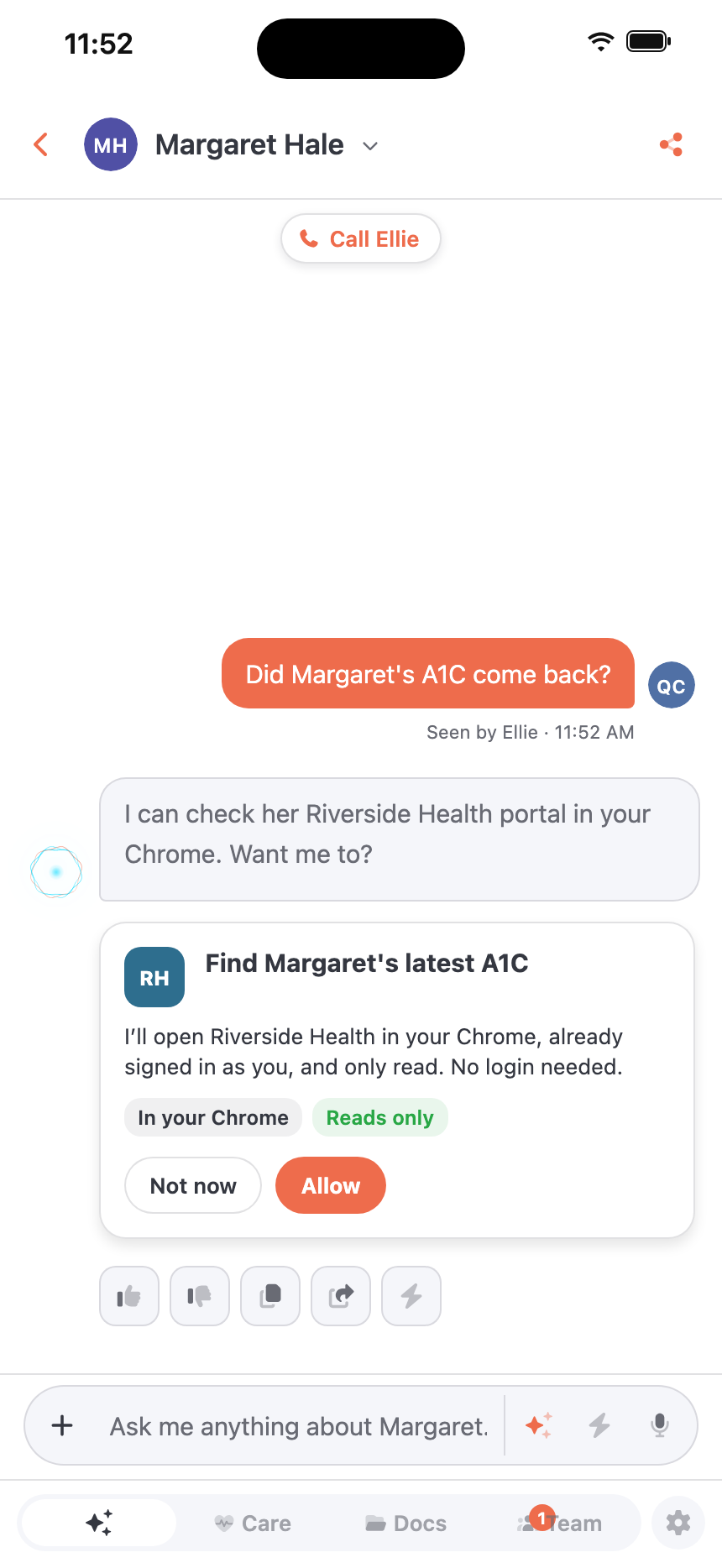
“Did Mom’s results come back?” From your phone at work, or the app at your desk.
- 02
Say yes
Ellie asks before opening anything. Nothing happens in your browser until you tap Allow.
- 03
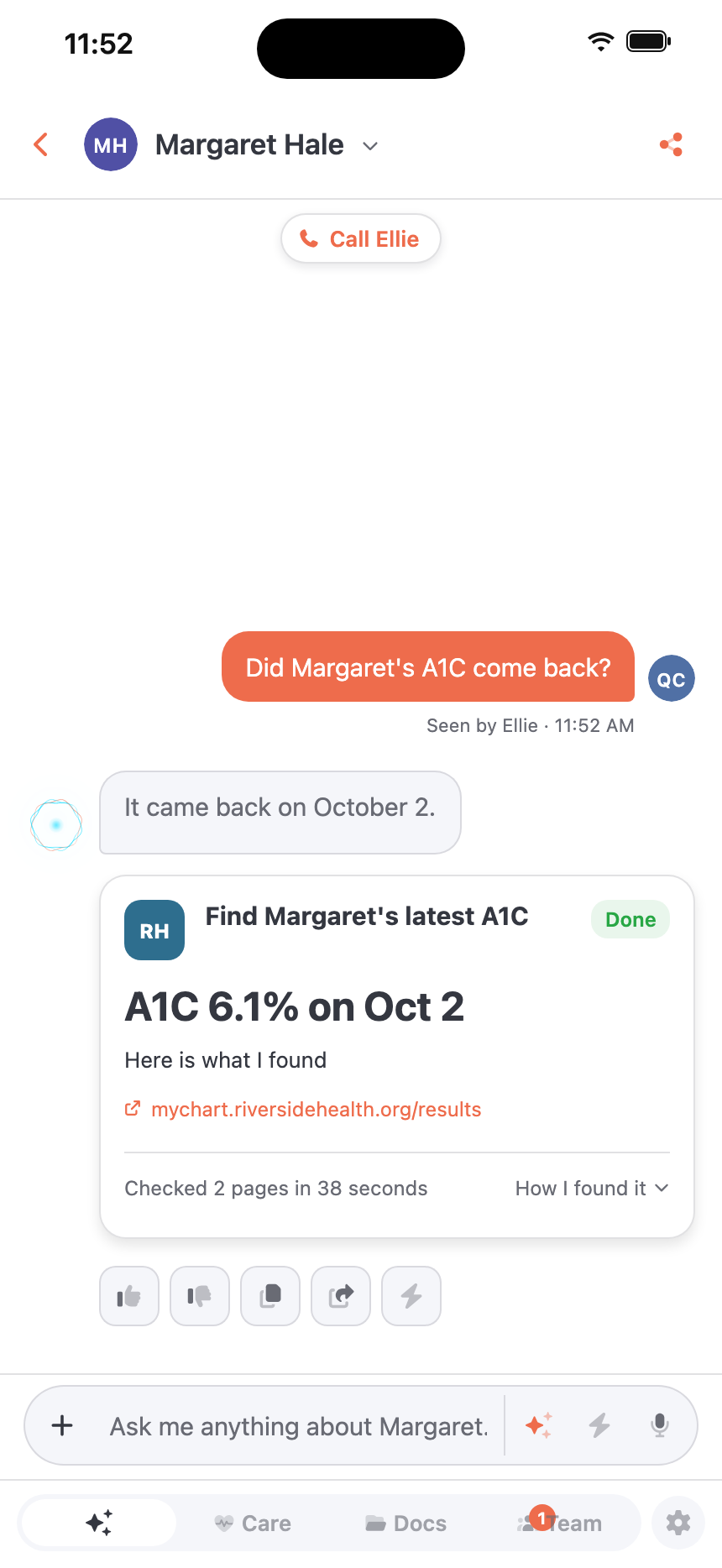
Get the answer
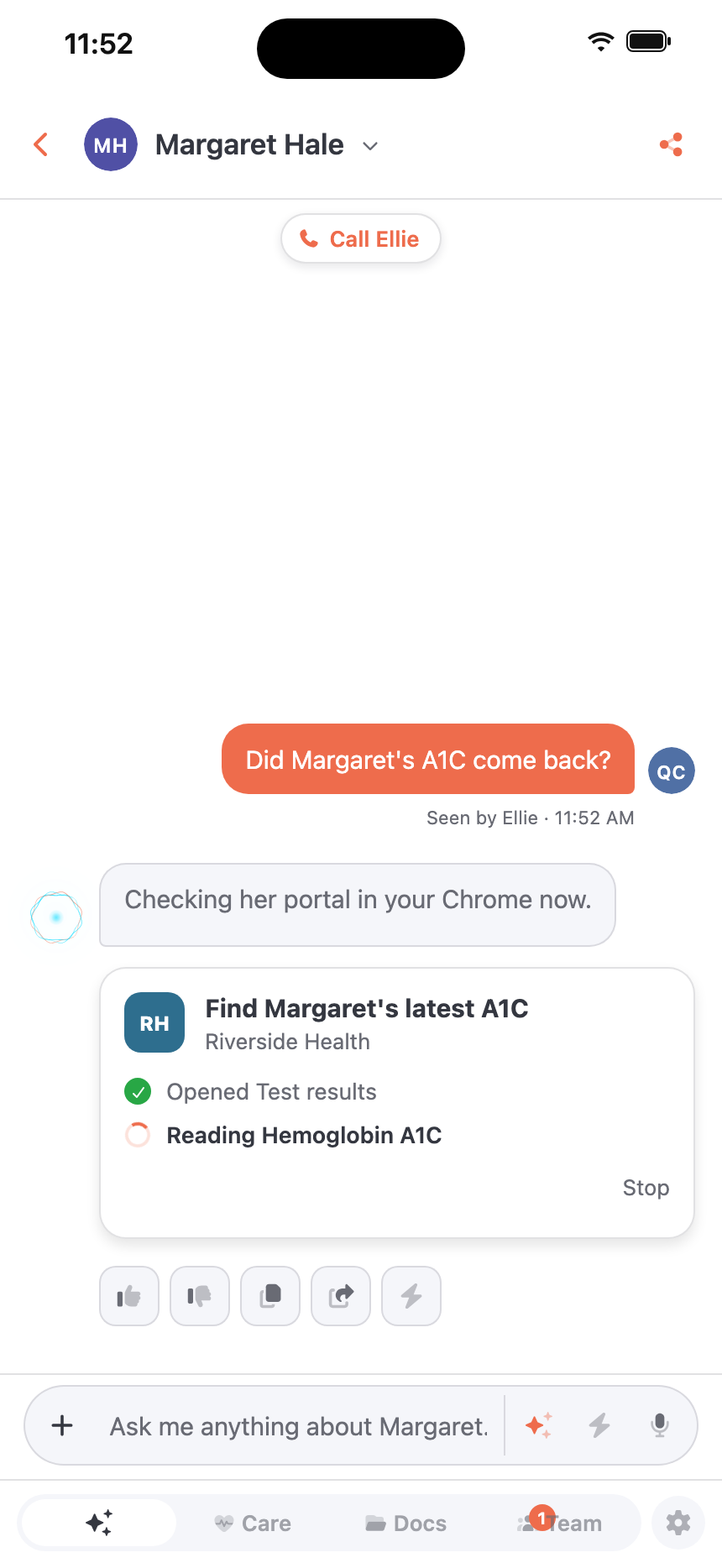
Ellie reads the page in your Chrome at home and brings the answer back to the chat, with where it came from.
Save what you find.
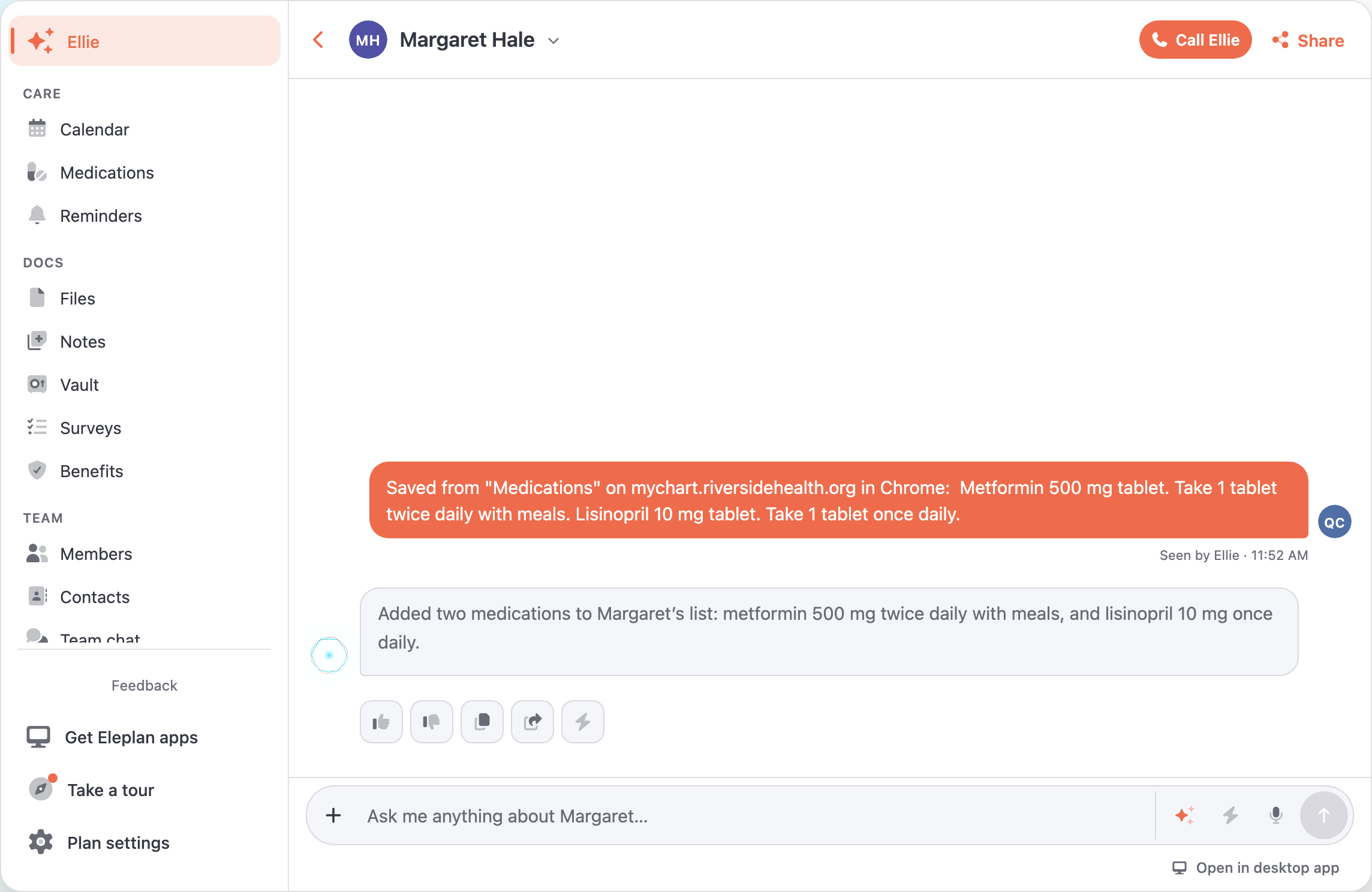
Reading a portal yourself? Results, medication lists and anything you select get a small sparkle. Press it, pick whose plan, and Ellie files each thing where it belongs.
Where it belongs
A medication goes on her medication list, a visit on the calendar, a phone number in contacts, and anything else in a note. Ellie tells you what she added.
Ellie only adds
Whatever a page says, it can’t get her to change or remove anything already in the plan.
Nothing leaves until you press Save
What you type into a form is never included. Come back later and the part you saved is marked ✓ Saved.
Health portals, ready on day one.
More than 400 health systems’ sites come built in, with the portal companies many practices use. Add anything else, from an insurer to a pharmacy, in one click on its page.
Your browser stays yours.
Looking, never doing
Ellie opens links and reads. Paying, submitting, sending and changing settings are switched off in the extension itself, whatever anyone asks.
Your sign-in stays put
Ellie uses the session your browser already has. It’s never copied to our servers, and the AI never sees a password or anything you type into a form.
Health sites, plus the ones you add
Health systems’ portals are built in, and one switch turns them off. Any other site you add yourself, with a click.
In plain sight
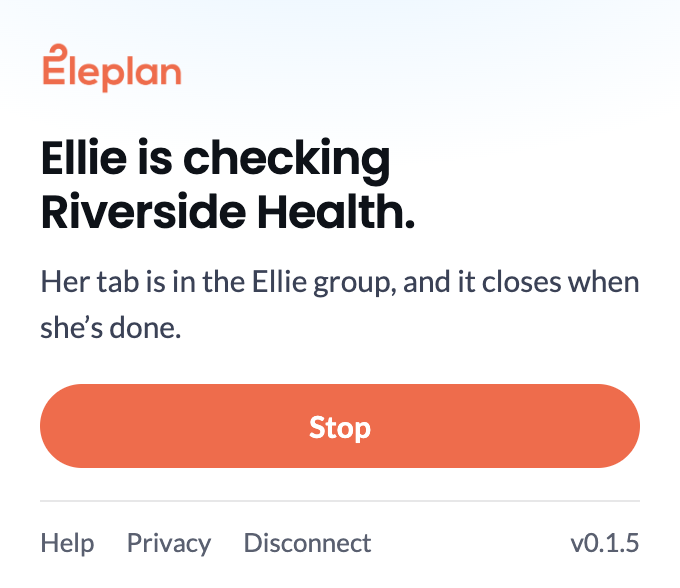
Ellie works in a tab of her own, grouped and labeled, with a pill on the page that says she’s reading. Stop is one click, and the tab closes when she’s done.
Good questions.
When can Ellie reach my browser?
When Chrome is open on a computer that’s awake. The extension can keep the computer from sleeping while Chrome runs, if you turn that on. If Ellie can’t reach it, she says so in the chat.
Does Ellie see my passwords?
No. Ellie only uses sites you’re already signed in to, and the extension never reads what’s typed into a form.
What gets sent to Eleplan?
The text and links of the pages Ellie opens for a check you said yes to, and any part of a page you choose to save. We keep her answers, what you saved and where it came from, and a short note of the steps she took, not the pages.
What happens when I save part of a page?
It goes to Ellie in the plan you pick. She adds each thing where it belongs, like a medication, an appointment or a contact, keeps anything else as a note, and tells you in the plan’s chat what she added. She can only add, never change or remove.
Which sites can Ellie check?
More than 400 health systems’ sites are built in, along with the portal companies many practices use. You can add any other site yourself, and remove any site whenever you like.
Is it included in my plan?
It comes with Eleplan Pro. Installing the extension is free, and Ellie uses it on any plan that’s Pro, so a caregiver on a family’s Pro plan has it there too.
How do I stop it?
Press Stop while Ellie works. Disconnect in the extension or in Settings, or remove the extension, and Ellie can’t reach your browser at all.
Ellie already knows the plan. Now she can go and look.