Talk to Ellie on the drive.
Connect your iPhone to CarPlay, pick a plan, and use your voice. Hear a briefing, ask Ellie a question, dictate a note, or answer a few questions about the plan, without touching the phone.
Needs the Eleplan app on your iPhone and a car or stereo with CarPlay.
The drive is when you have a minute to ask.
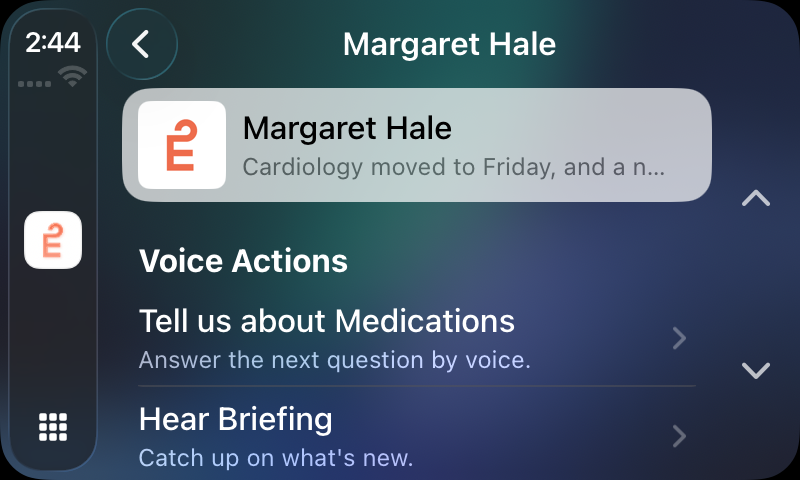
Eleplan on CarPlay is built for voice. There’s a short list of your plans, then a handful of things to say or tap: hear the latest briefing, talk to Ellie, leave a voice note, or answer questions Ellie has about the plan. Ellie speaks back through the car, and when you unplug, everything stops.
Pick a plan, then talk.
- 01
Pick a plan
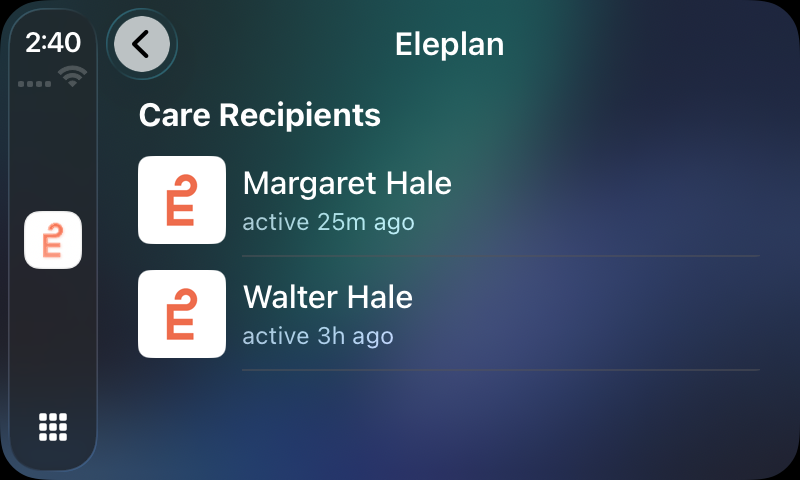
Open Eleplan on the CarPlay screen. It lists the plans you’re part of, each with when it last had activity. Tap the one you’re thinking about.
- 02
Hear the briefing
Ellie reads aloud the plan’s latest weekly briefing, if there’s one from the last 14 days. If not, she reads the top suggestions waiting for you, or tells you there’s nothing new.
- 03
Talk to Ellie
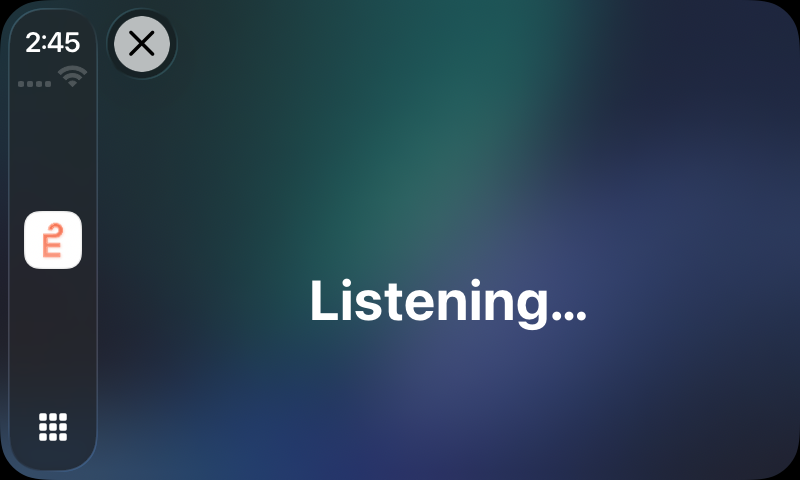
Ellie asks what you’d like to know. Say it, and she answers out loud. Ask a follow-up and she remembers what you just said, for as long as you’re connected.
- 04
Leave a voice note
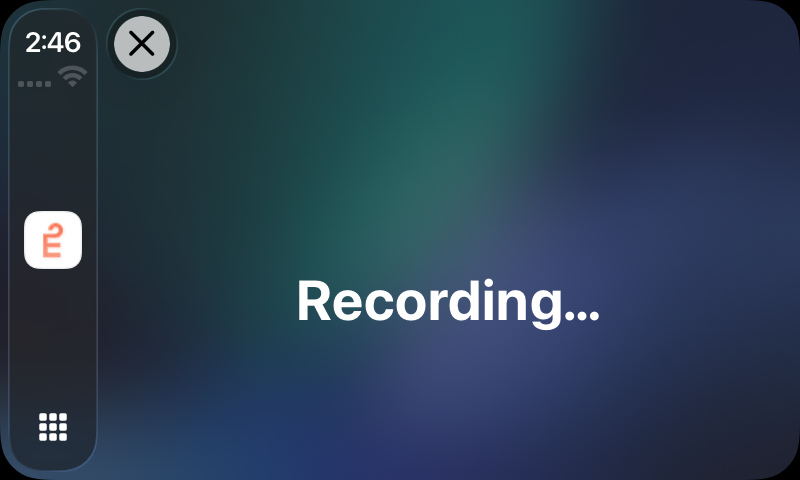
Ellie says “Recording. Speak your note now, then pause when you’re done.” You speak, pause, and she says “Note saved.”
- 05
Answer Ellie’s questions
When Ellie has questions about the plan, a row appears with the topic, such as Medications. Say “start” and she asks one at a time. You answer out loud, and each answer is saved.
One switch on your iPhone.
CarPlay is part of the Eleplan app. You turn it on once, then it’s on the car screen whenever you connect.
- 01
Get Eleplan on your iPhone
Install it from the App Store and sign in. CarPlay shows “Not signed in” until you do.
- 02
Turn on CarPlay
In Eleplan, open Settings and find Apple CarPlay. Switch on CarPlay. Until you do, the car screen says “CarPlay disabled” and asks you to open Eleplan on your iPhone.
- 03
Connect to your car
Connect your iPhone to your car’s CarPlay the way you normally do, then open Eleplan from the CarPlay home screen.
- 04
Say yes to the microphone
The first time, iPhone asks to let Eleplan use the microphone and speech recognition. Allow both so Ellie can hear you.
What Ellie does with it.
It’s the same Ellie you talk to in the app, with the same plan behind her. The car is another way in, and what you say there isn’t left in the car.
Your question goes to the real Ellie
Ellie answers from the plan, the way she does in the app. She keeps one conversation going while you’re connected, so follow-ups make sense.
The conversation is waiting on your phone
The thread from the car becomes the plan’s open chat on your iPhone. Pick up your phone and you can carry on where you left off.
A spoken note is a note she can read
What you dictate is saved to the plan’s Notes like any voice note, so Ellie can look it up later.
Your answers go into the plan
When Ellie asks you questions about the plan from the car, each answer you speak is saved, the same as answering in the app.
Good questions.
What happens when I turn the car off?
Everything stops. Ellie stops speaking and the phone’s microphone isn’t opened again. Your conversation is on your iPhone when you want it.
Do I have to touch the screen?
Only to pick a plan and the thing you want to do. After that it’s voice.
Do I need the phone’s screen on?
No. Ellie speaks through the car, and the app keeps playing audio with the phone’s screen off.
Is it only for iPhone?
Yes. Eleplan on CarPlay works with iPhone and a car or stereo that supports CarPlay.
Use the time in the car to catch up with the plan.